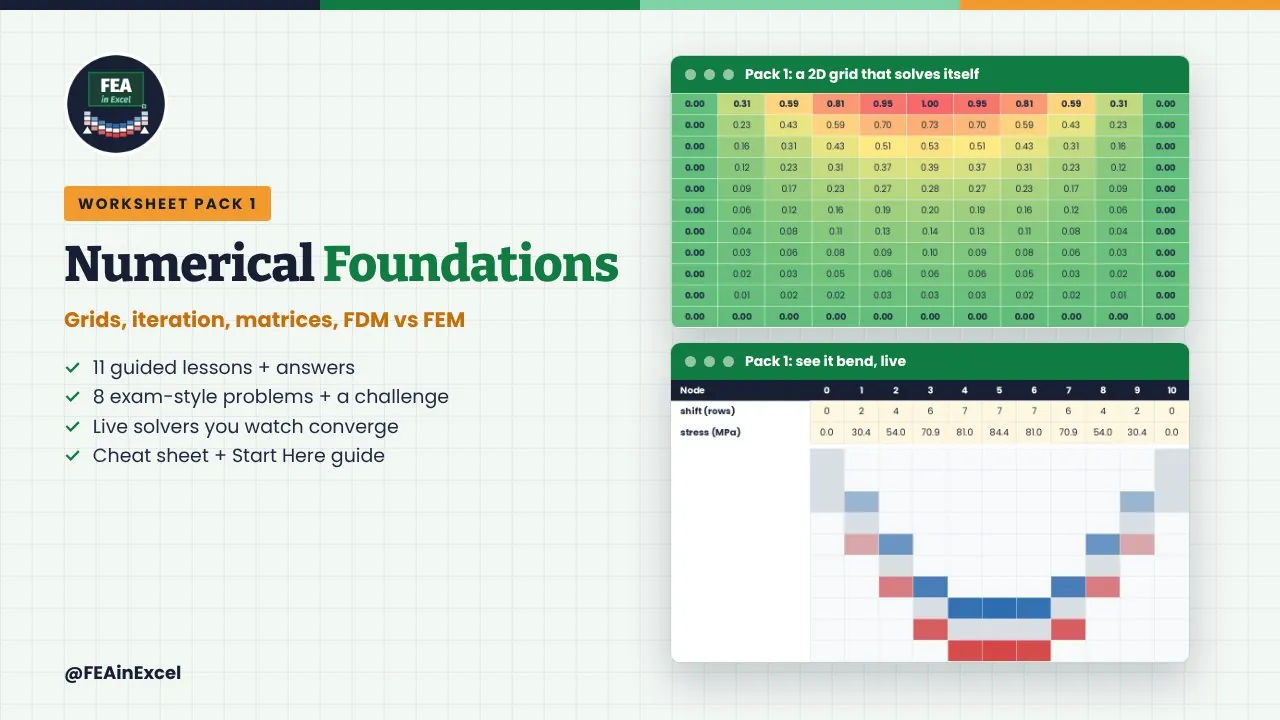
Numerical Foundations
- Set Excel up to solve iteratively
- Hanging cables, bending moments and beam deflection
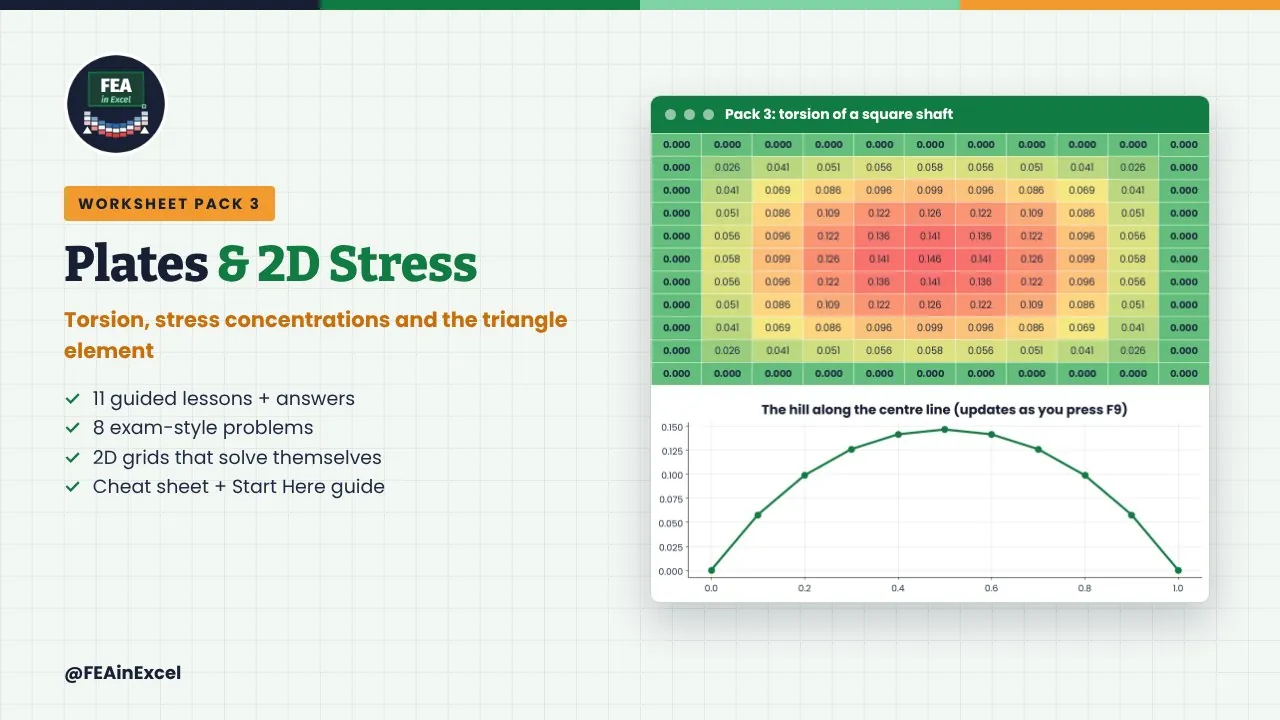
- Matrices in Excel, FDM vs FEM, 2D grids
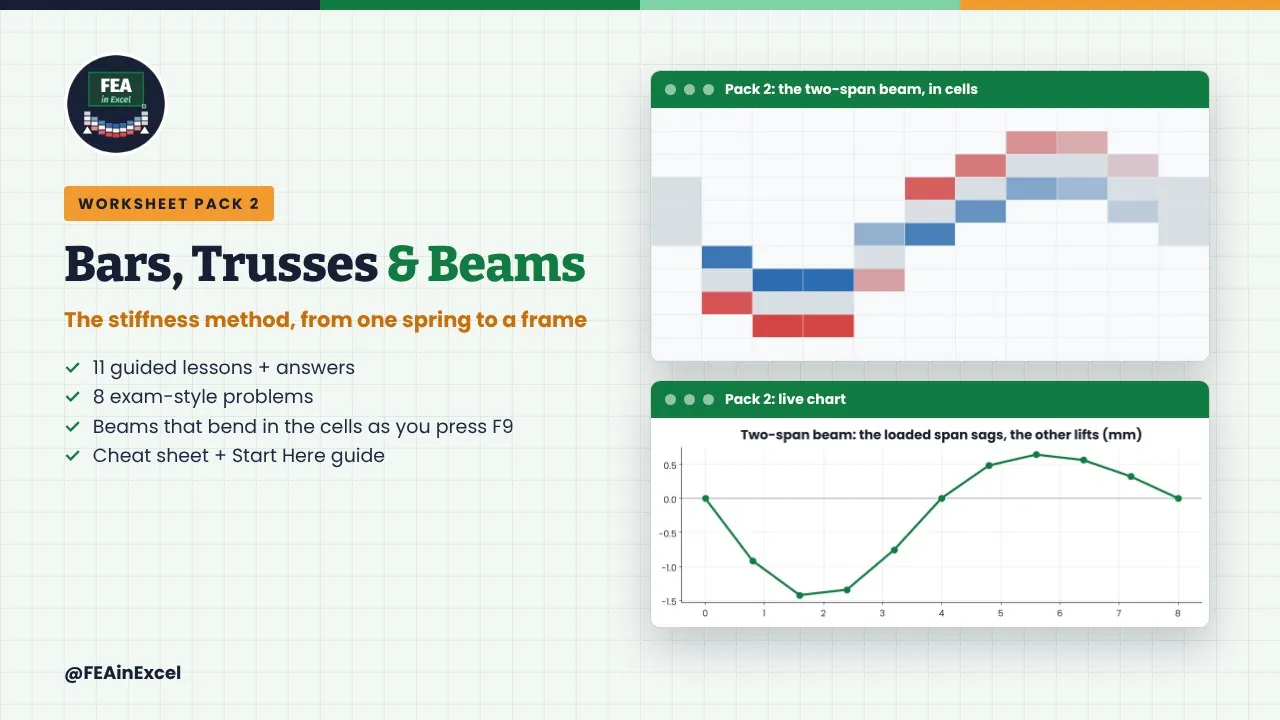
Built for engineers
Learn the finite element method by building it yourself in Excel. No black box, no macros: every stiffness term and every iteration is a formula you can click on.
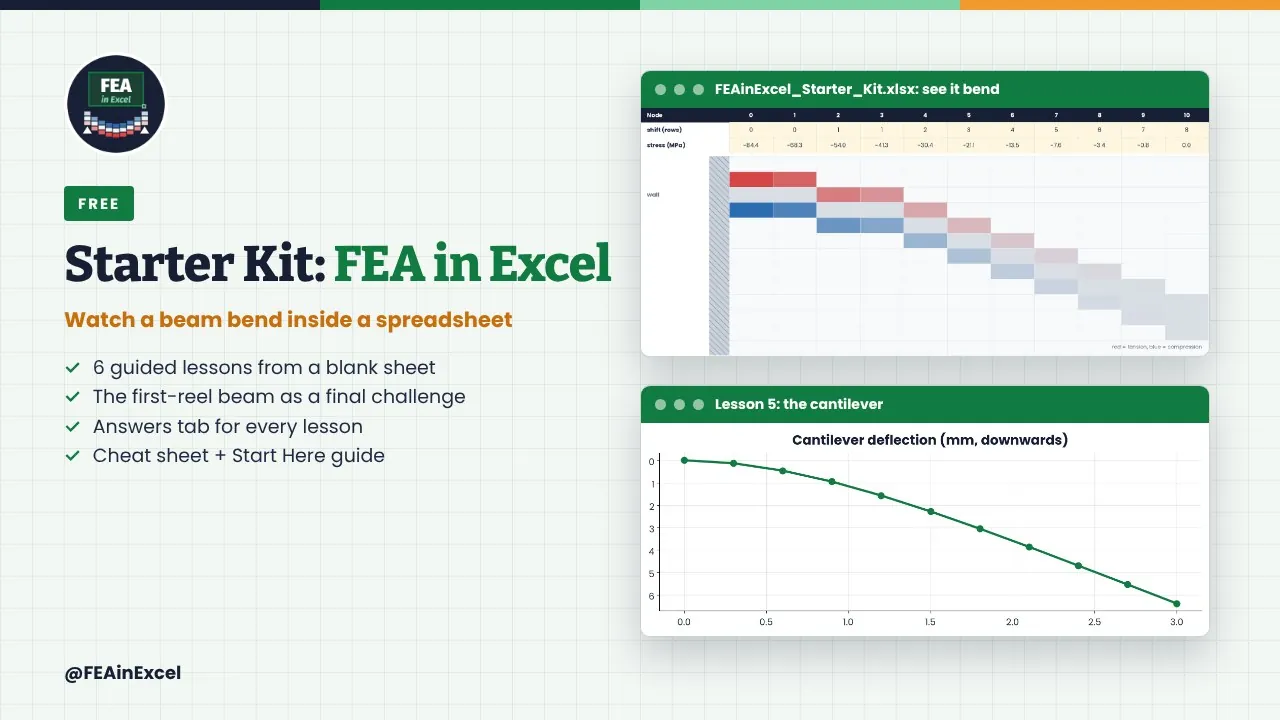
Inside the free Starter Kit: press F9 and the beam solves itself.
Why this works
Commercial software hides the method behind a Solve button. Here you assemble the stiffness matrix, apply the supports and watch the answer converge, one cell at a time.
Press Solve, get a colourful picture, hope it's right.
The same plate in Excel. Every cell is a formula you wrote.
What's inside
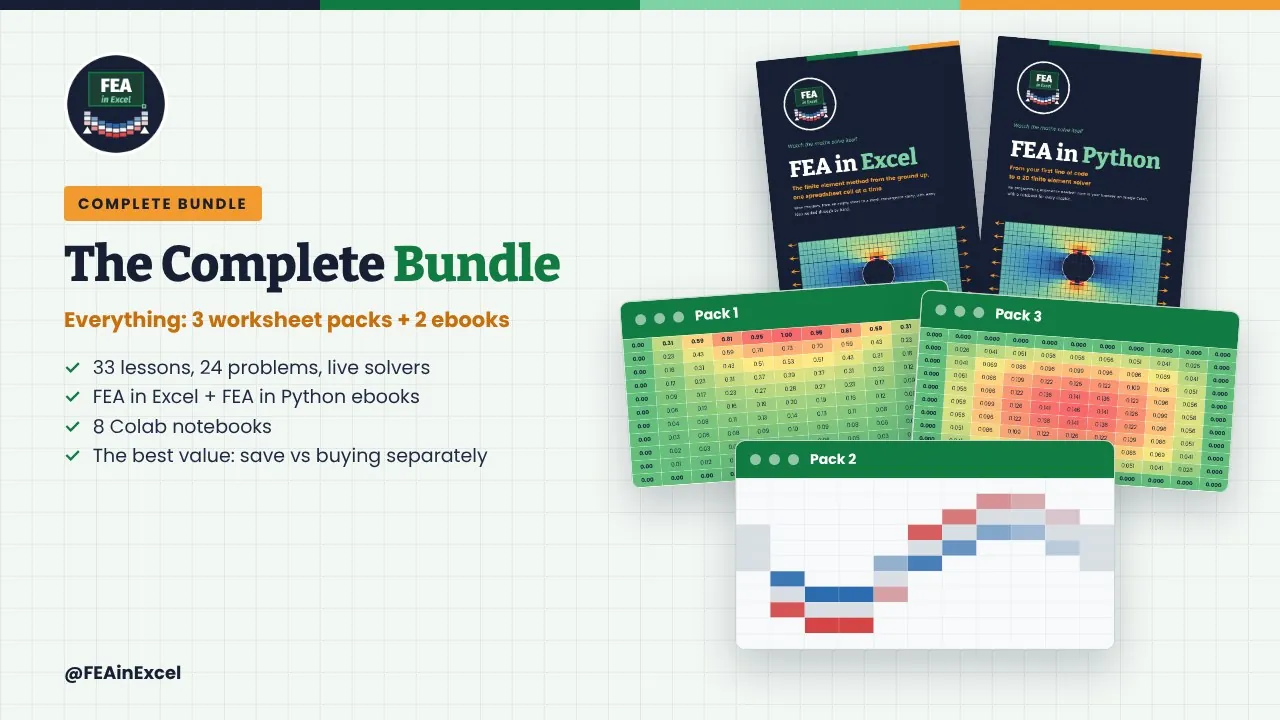
Three Excel packs and two ebooks. Each pack has 11 guided lessons and 8 practice problems, and most worksheets take 10 to 20 minutes.
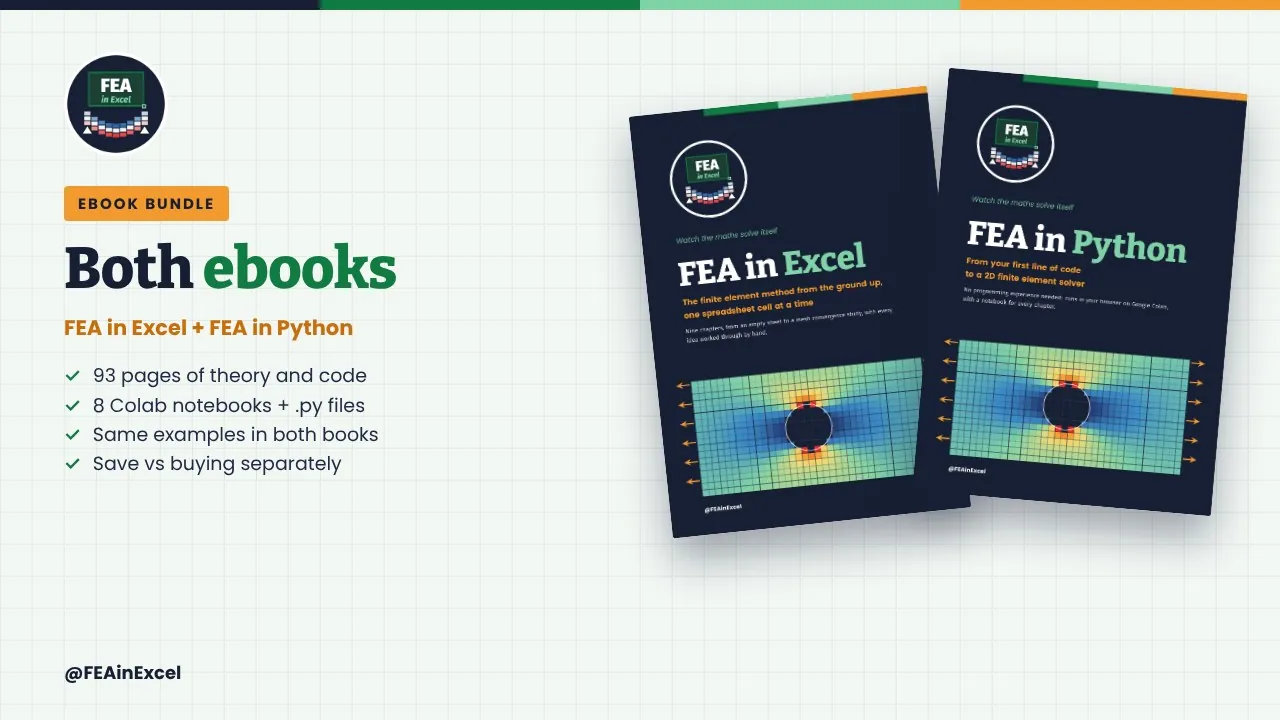
Two ebooks: FEA in Excel (49 pages) and FEA in Python (44 pages, with 8 Colab notebooks).
See what's inside →Free Starter Kit
See how it works before you spend anything. The Starter Kit is the opening of Pack 1, yours to keep.
Who it's for
Pricing
Free for the first 100 people. One download, yours to keep.
Enter £0 at checkout. Free for the first 100 people, then £39.99 · Instant download
Prices in GBP and include UK VAT. Elsewhere, local tax is worked out at checkout.
FAQ
Desktop Excel on Windows or Mac. The worksheets use iterative calculation, which you switch on once in Excel's options; Lesson 0 walks you through it. There are no macros or add-ins. Google Sheets isn't recommended. The Python ebook runs in Google Colab, so there's nothing to install.
No. Pack 1 starts from slopes and curvature and builds up one idea at a time. If you're comfortable with basic Excel formulas and first-year engineering maths, you're ready.
Most worksheets take 10 to 20 minutes. A pack is a comfortable weekend, or a lesson a day over a couple of weeks.
Checkout is handled by Gumroad. As soon as you pay you get a download link on screen and by email, and you can download the files again whenever you need them.
Every worksheet has a full answer tab. If that doesn't clear it up, message @FEAinExcel on Instagram.
Build it once in Excel and you'll never look at a contour plot the same way.